

Download HyperTorrent APK – torrent app, download manager, mobile torrent client, free torrent software, Android torrent app
Overview
HyperTorrent is a lightweight torrent client designed specifically for mobile devices, offering a streamlined experience for downloading files via torrent. As a free download manager, it enables users to access and manage torrent files across various sources, including magnet links, HTTP/HTTPS URLs, and infohash values. The app is built with speed and simplicity in mind, making it ideal for users who prioritize quick setup and intuitive navigation over extensive feature sets.
Targeted primarily at mobile users, it caters to individuals seeking a reliable way to download large files without the overhead of complex interfaces. Real-world usage scenarios include downloading media content, software packages, and other large datasets directly to Android devices. The developer, HyperTorrent, appears to focus on delivering a minimal yet functional tool tailored to the constraints of mobile environments.
While no further details about the development team are available, the app’s design and functionality suggest a deliberate focus on usability and performance on Android 5.0 and later.
Key Features & Capabilities
- Multi-source support: Accepts magnet links, HTTP/HTTPS URLs, and infohash values for seamless torrent addition.
- Modern UI with dual themes: Offers both light and dark mode, with adaptive tablet UI for larger screens.
- Comprehensive download monitoring: Six scrollable tabs provide detailed insights into each download, including Info, State, Files, Trackers, Peers, and Pieces.
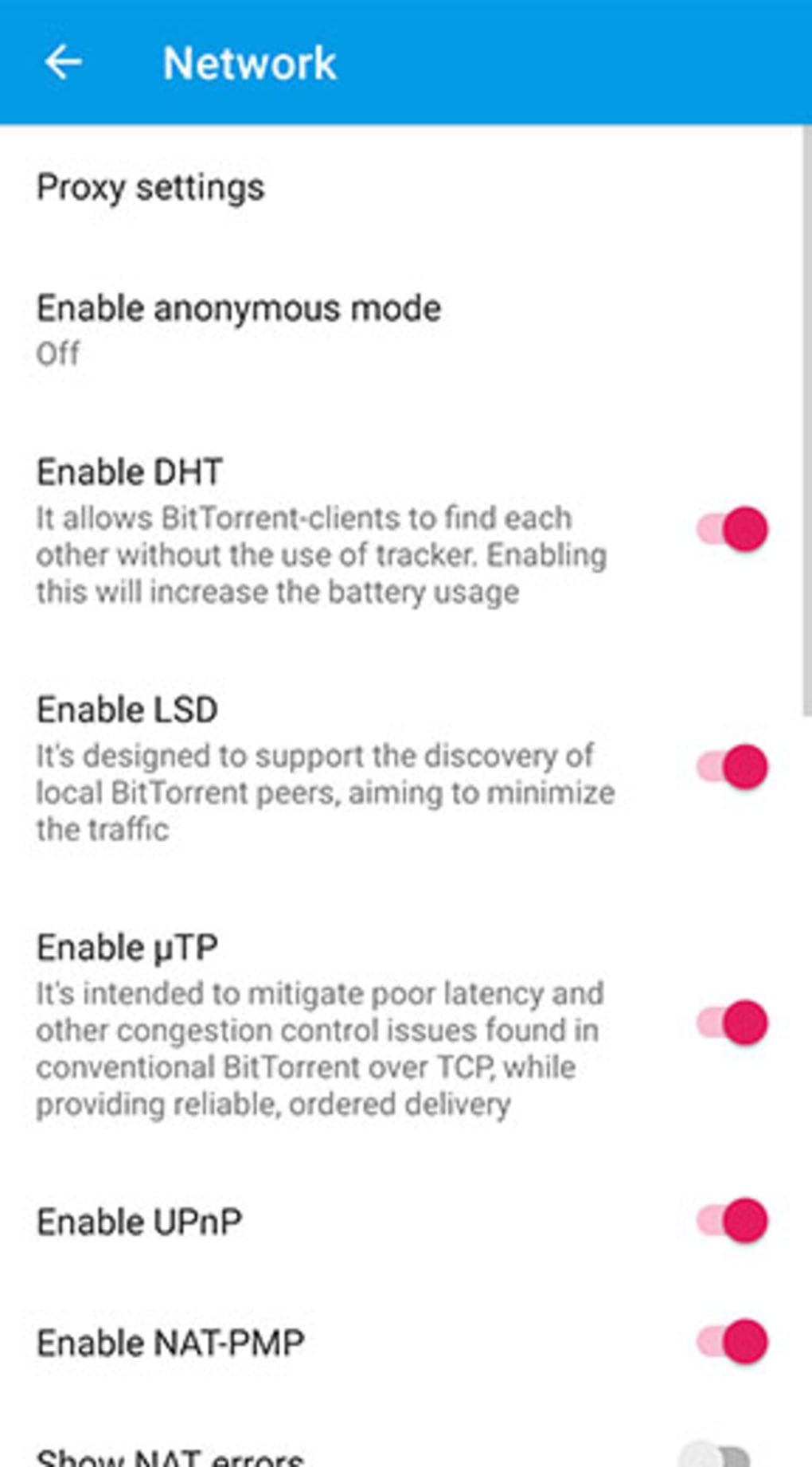
- Privacy-focused design: All transfers are encrypted; supports IP filtering and proxy configurations for enhanced security.
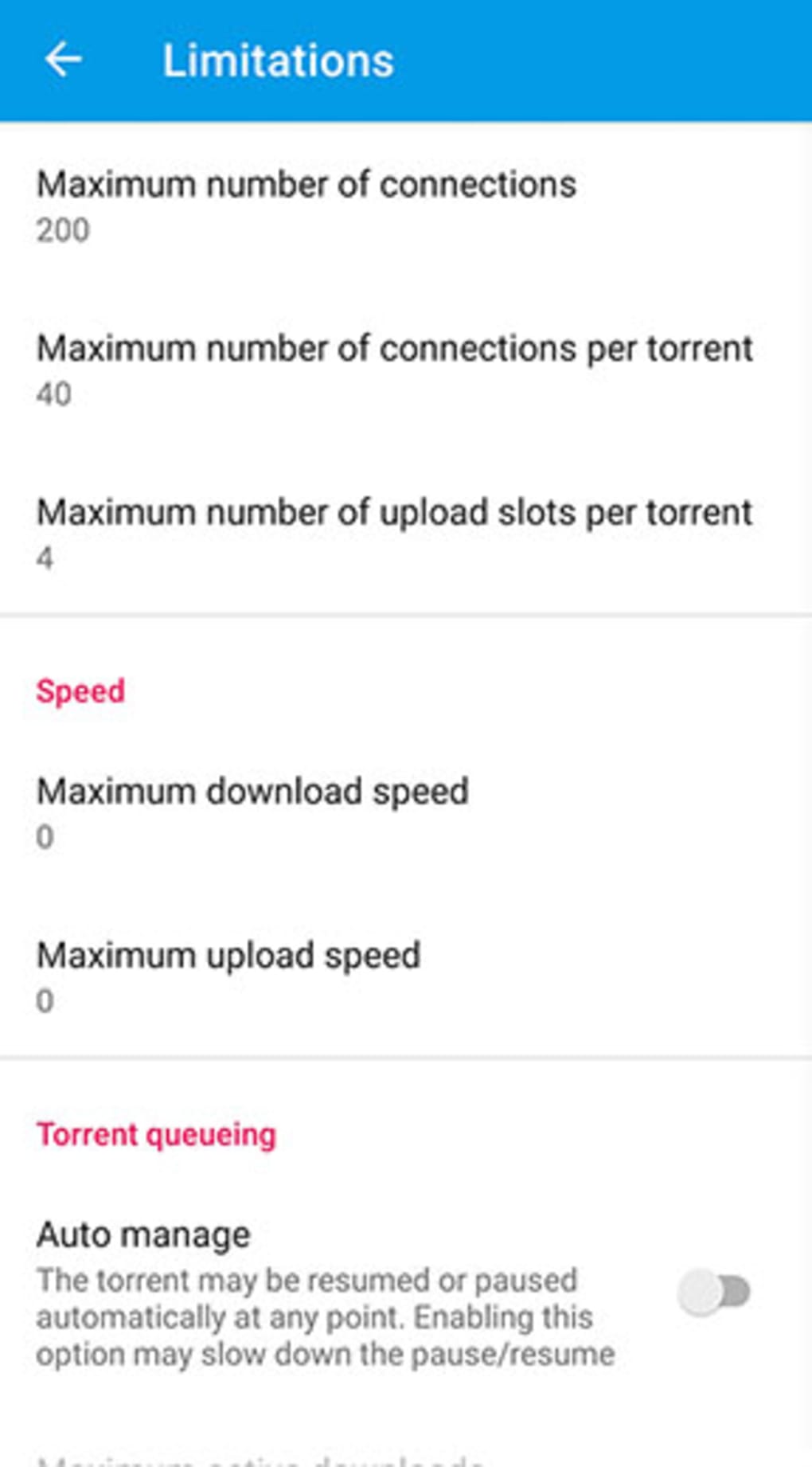
- Customizable behavior: Users can adjust download behavior, set speed limits, schedule transfers, and enable Wi-Fi-only downloads.
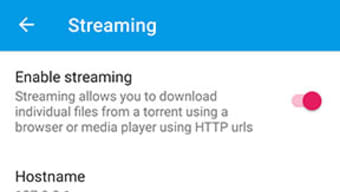
- Streaming support: Allows users to stream downloaded content during the download process.
These features enable users to manage complex downloads efficiently, even on mobile networks. The ability to monitor individual components of a torrent—such as peers and pieces—provides transparency and control. The inclusion of streaming support enhances usability for media files, allowing partial playback while downloads complete. The customizable settings cater to both casual users and those seeking fine-grained control over their download behavior. Despite its compact size, the app delivers a robust set of tools, balancing functionality with performance on mobile hardware.
User Interface, Workflow & Performance
HyperTorrent features a clean, modern interface designed for ease of use on touch-based devices. Navigation is intuitive, with a hamburger menu providing access to configuration options. The layout is optimized for mobile screens, with responsive elements that adapt to different device sizes.
Users can quickly add torrents using supported link formats and immediately view download progress through the six dedicated tabs. Workflow efficiency is enhanced by direct access to key actions—starting, pausing, and managing downloads—without requiring multiple steps. The app maintains a consistent visual hierarchy, with clearly labeled sections and minimal clutter.
While specific performance data such as CPU or RAM usage was not provided, the lightweight nature of the application (14.2 MB) suggests efficient resource utilization. The developer did not specify resource usage details, but general software behavior patterns indicate stable operation under typical usage conditions. No reports of crashes or instability were mentioned in the provided information.
Compatibility & System Requirements
HyperTorrent is designed for Android devices running version 5.0 (Lollipop) or higher. The app has a file size of 14.2 MB, making it suitable for devices with limited storage space. The developer did not provide additional system requirements, such as minimum RAM or processor specifications.
Compatibility information was partially provided, confirming support for Android 5.0 and above. No information is available regarding support for tablets beyond the mention of a tablet-optimized UI. Users should ensure their device meets the minimum OS version to install and run the application.
The absence of detailed hardware requirements means that performance may vary depending on individual device capabilities.
Pros and Cons
Pros
- Lightweight and fast, ideal for mobile environments
- Supports multiple torrent sources including magnet links and HTTP/HTTPS
- Modern, clean interface with dark/light theme options
- Offers advanced monitoring through six dedicated tabs
- Includes privacy features like encryption, IP filtering, and proxy support
- Free to download and use with no in-app purchases
Cons
- No detailed system requirements beyond Android 5.0
- Performance metrics such as CPU/RAM usage were not specified
- Limited information on update frequency or long-term support
- May lack advanced features found in desktop torrent clients
- Compatibility with specific device models is not documented
FAQ Section
Is HyperTorrent safe to use on Android?
HyperTorrent uses encryption for all transfers and includes IP filtering and proxy support, which help enhance privacy and security. However, users should always exercise caution when downloading content from untrusted sources.
Can I stream downloaded content while it’s still downloading?
Yes, the app supports streaming, allowing users to play media files during the download process.
Does HyperTorrent require an internet connection to function?
Yes, an active internet connection is required to add torrents, connect to peers, and complete downloads.
Is HyperTorrent available for iOS devices?
Based on the provided information, HyperTorrent is only available for Android devices.
How often are updates released for HyperTorrent?
The release date of the current version is May 20, 2024. No information about update frequency was provided.
Final Thoughts + CTA
HyperTorrent delivers a focused, efficient torrent experience tailored for mobile users. With its clean interface, support for multiple sources, and strong privacy features, it stands out as a reliable free torrent app for Android. While it may not offer the full breadth of features found in desktop clients, it excels in simplicity, speed, and usability on mobile platforms.
The combination of streaming support, customizable settings, and a lightweight design makes it a solid choice for users who need a dependable download manager on the go. Whether you're downloading media, software, or large files, HyperTorrent provides a smooth and secure experience. Download HyperTorrent now.





.png)

